



In the dynamic landscape of retail, a well - performing store display screen can be a game - changer. As a supplier of store display screens, I understand the significance of accurately measuring the performance of these screens to ensure they meet the diverse needs of retailers. In this blog post, I will share some key metrics and methods to assess the performance of store display screens.
1. Visual Quality Metrics
Brightness
Brightness is a fundamental aspect of a store display screen's performance. In a retail environment, there can be a wide range of lighting conditions, from dimly lit corners to brightly lit areas near windows. A screen with sufficient brightness ensures that the content is visible to customers from various angles and distances.
We measure brightness in nits. For a typical store display, a brightness level of at least 500 nits is recommended. However, in high - brightness areas, such as near large windows or in well - lit malls, screens with 1000 nits or more may be required. To measure brightness, we use a photometer. This device is placed at a specific distance from the screen and measures the amount of light emitted per unit area, giving us an accurate reading of the screen's brightness.
Contrast Ratio
The contrast ratio is the difference between the brightest white and the darkest black that a screen can display. A high contrast ratio enhances the clarity and vividness of the content, making it more engaging for customers. A good contrast ratio for a store display screen is typically 1000:1 or higher.
We can measure the contrast ratio by displaying a pure white image and a pure black image on the screen and using a photometer to measure the luminance of each. The contrast ratio is then calculated by dividing the luminance of the white image by the luminance of the black image.
Color Accuracy
Color accuracy is crucial for a store display screen, especially when promoting products. Accurate colors can help customers visualize products as they are in real life, increasing the likelihood of a purchase. We use a colorimeter to measure color accuracy. This device analyzes the colors displayed on the screen and compares them to a standard color gamut, such as sRGB or Adobe RGB.
The Delta E value is commonly used to quantify color accuracy. A lower Delta E value indicates better color accuracy. For store display screens, a Delta E value of less than 3 is considered excellent.
2. Content Engagement Metrics
Attention Time
One way to measure the effectiveness of a store display screen is by analyzing how long customers look at it. Longer attention times suggest that the content is engaging and relevant. We can use eye - tracking technology to measure attention time. This technology tracks the movement of the customer's eyes and records the duration they spend looking at the screen.
Interaction Rate
If the store display screen is interactive, the interaction rate is an important metric. It measures the percentage of customers who interact with the screen, such as by touching it to view product details or play games. We can track interactions through the screen's built - in touch sensors and analytics software. A high interaction rate indicates that the content and the interactive features are appealing to customers.
Conversion Rate
The conversion rate measures the percentage of customers who take a desired action, such as making a purchase, after viewing the screen. To measure the conversion rate, we need to integrate the display screen data with the store's point - of - sale system. By comparing the number of customers who saw the screen with the number of those who made a purchase, we can calculate the conversion rate. A high conversion rate shows that the screen is effectively influencing customer behavior.
3. Technical Performance Metrics
Response Time
Response time is the time it takes for a pixel on the screen to change from one color to another. A fast response time is important to prevent motion blur, especially when displaying videos or animations. For store display screens, a response time of 10 milliseconds or less is ideal.
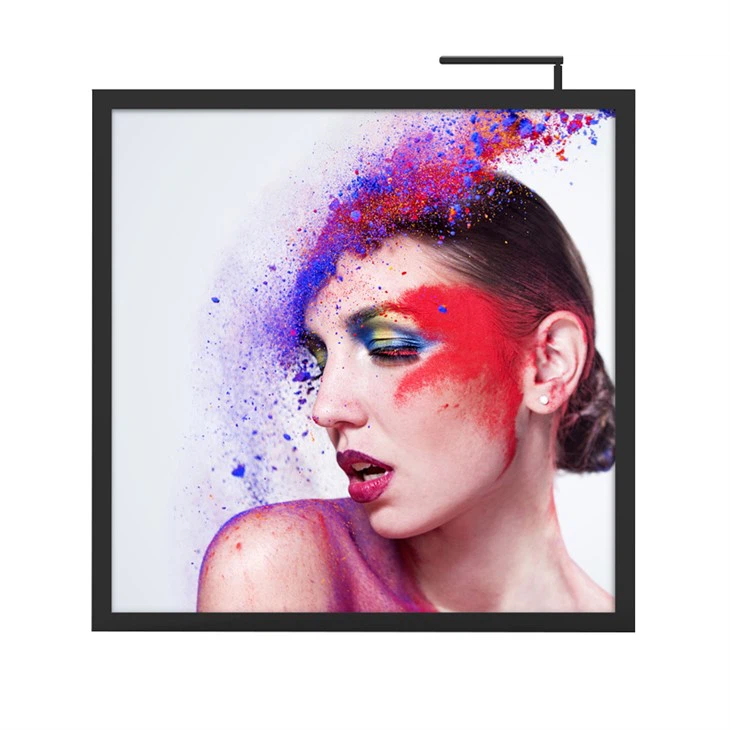

We measure response time using specialized test equipment that sends a series of color changes to the screen and records the time it takes for the pixels to respond.
Refresh Rate
The refresh rate is the number of times per second that the screen updates its image. A higher refresh rate results in a smoother and more fluid visual experience. For most store display applications, a refresh rate of 60 Hz is sufficient. However, for high - motion content, such as sports videos, a refresh rate of 120 Hz or higher may be preferred.
We can measure the refresh rate using an oscilloscope or other specialized testing tools.
Energy Efficiency
In today's environmentally conscious world, energy efficiency is an important consideration. An energy - efficient store display screen can help retailers reduce their electricity costs. We measure energy efficiency by calculating the power consumption of the screen under different operating conditions. The power consumption is typically measured in watts.
To improve energy efficiency, we can use technologies such as LED backlighting, which consumes less power compared to traditional CCFL backlighting.
4. Real - world Case Studies
Let me share a real - world example to illustrate the importance of measuring the performance of store display screens. A clothing retailer installed our Store Display Screen in their store entrance. Initially, the screen had a relatively low contrast ratio, and the content seemed dull.
After measuring the contrast ratio and other visual quality metrics, we recommended upgrading the screen to one with a higher contrast ratio. Once the new screen was installed, we noticed a significant increase in the attention time of customers. Using eye - tracking technology, we found that customers were looking at the screen for longer periods, which led to an increase in the number of customers entering the store.
In another case, a electronics store used our interactive Digital Signage Photo Frame. By analyzing the interaction rate and conversion rate, we were able to identify that the initial content on the screen was not engaging enough. After redesigning the content to be more interactive and relevant, the interaction rate increased by 30%, and the conversion rate improved by 20%.
5. Conclusion
Measuring the performance of a store display screen is a multi - faceted process that involves evaluating visual quality, content engagement, and technical performance. By accurately measuring these metrics, retailers can make informed decisions to improve the effectiveness of their display screens and ultimately drive more sales.
As a supplier of store display screens, we are committed to providing high - quality products and helping our customers optimize the performance of these screens. If you are interested in purchasing our Digital Signage Photo Frame or Store Display Screen, please feel free to contact us to start a procurement discussion. We look forward to partnering with you to enhance your retail experience.
References
- "Display Technology Handbook" by Chris M. Robertson
- "Digital Signage for Dummies" by John A. Lewis
- Articles from industry - leading magazines such as Display Daily and Digital Signage Today